VDI Calculator now as a Docker Container
Over the years I've heard users of my VDI Calculator complain that they either have issues with Java functionality or they do not want to install Java on their computers due to security concerns.
So, I have created a pre-tested Docker container that contains a Linux image and the calculator components; further, it also provides an x11 display.
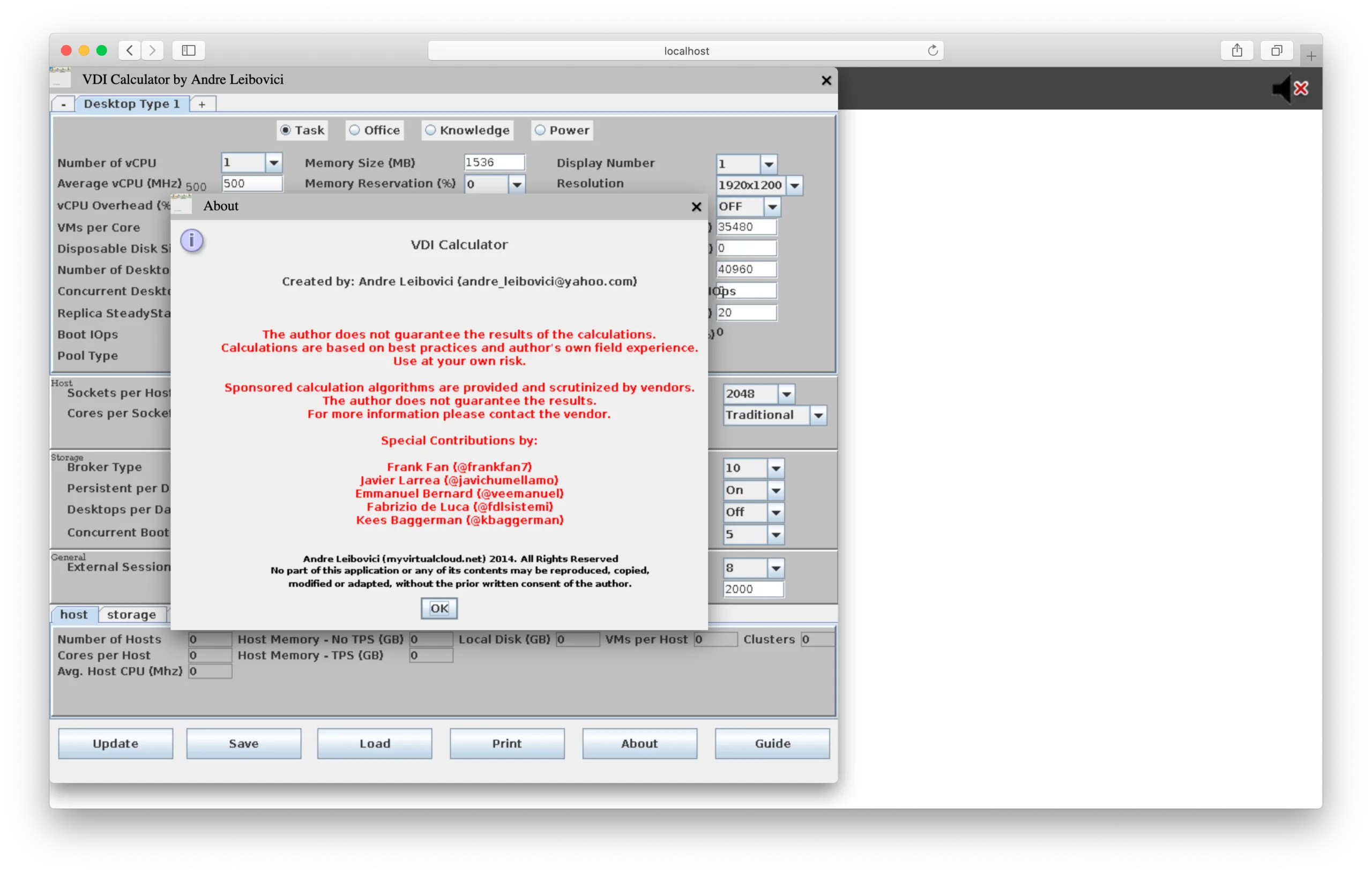
To install simply follow the steps below:
- Create a folder named vdicalc
- Create a file named docker-compose.yml
- Copy contents from (below) into docker-compose.yml
- Set x11-bridge display using "export DISPLAY=:0"
- Start services using "docker-compose up -d"
- Access calculator at http://localhost:10000/connect.html
There are a couple of known issues:
- No printing support
- No web guide support
Optionally go to Docker Hub:
https://hub.docker.com/r/andreleibovici/vdicalc